See the full effort of a project, not just the hours.
A Claude Code usage monitor shows what your agents consume. Time Momentum also shows whom it belongs to: AI sessions from Claude Code, Codex and Cursor plus your own working time, per project and client, valued in euros.
- 30 days of Pro
- No credit card
- Then continue on Free
Effort in every dimension
Working time
Parallel timers, so projects running at the same time are split correctly.
AI sessions
Captured automatically from Claude Code, Codex and Cursor, with no timer to forget. Subagents of Claude Code and Codex count as sessions of their own.
Agent runtime
Measured active work, not an open session: idle gaps count for two minutes at most.
AI usage
Tokens per session and model as an indicator of how much AI work is in the project.
Commits
Commits with their change size as evidence of the result.
Your last weeks
On setup, past Claude Code and Codex sessions are added from the transcripts on your machine.
A Claude Code usage monitor that knows your clients
Usage monitors in the terminal show what Claude Code or Codex consumed today. Which client the session was for and what it cost you stays open.
Time Momentum assigns every session to a project by its working folder and learns from your corrections. Projects belong to clients, so you see usage, agent runtime and costs per client as well.
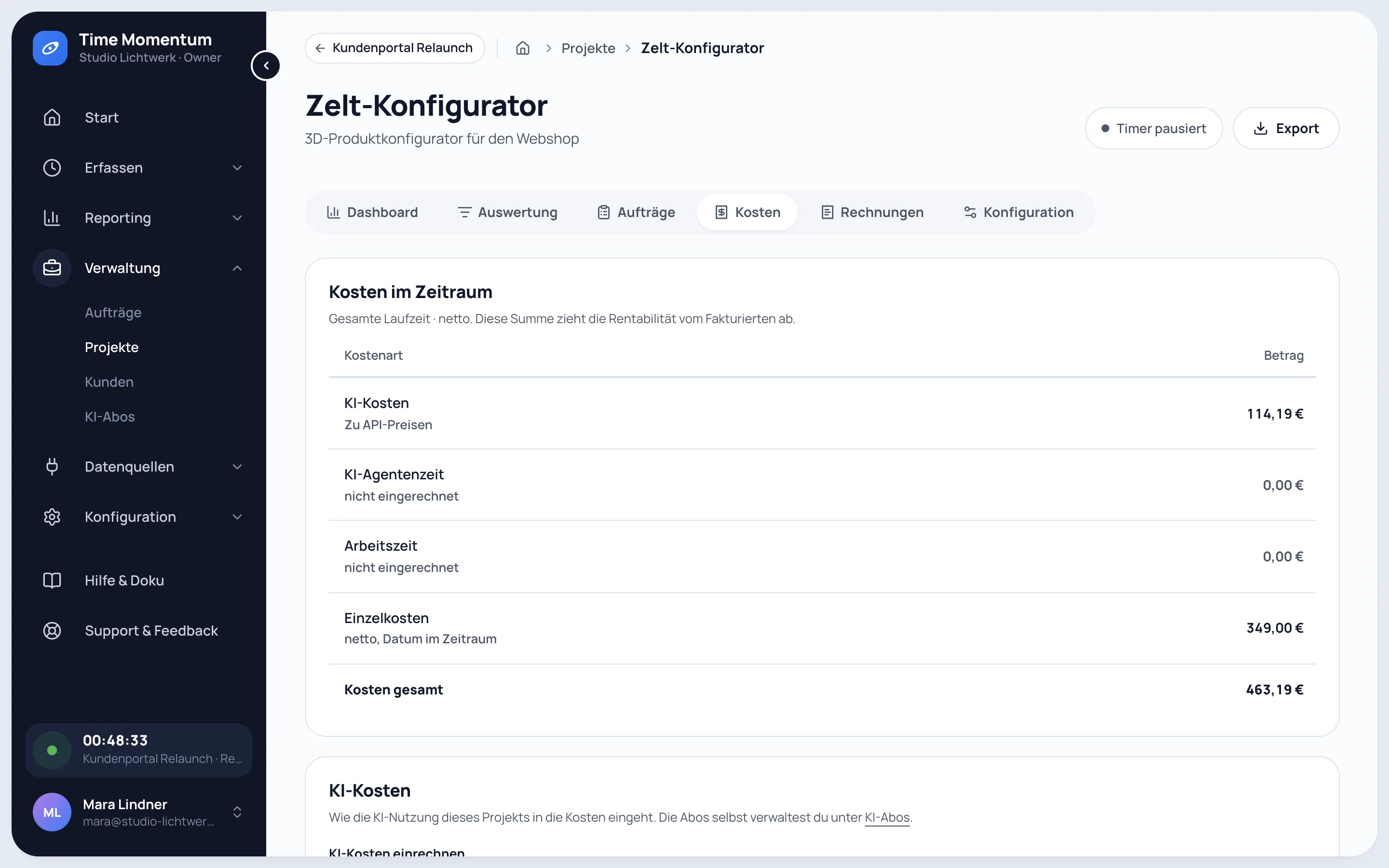
Valued in euros, per project
Model prices
API list prices in US dollars per model, converted at the ECB rate of the day the session started.
Subscriptions
On a subscription, its monthly amount is shared out across your projects instead.
Your own rates
Optionally value agent runtime and working time at your own cost rate, plus expenses per project.
What Claude Code, Codex and Cursor really cost
Plans and API prices, with a calculator for the cost per project.
Read guideccusage alternative
Usage per session in the terminal, or usage, runtime and cost per client.
Read comparisonWakaTime alternative
Coding time from the editor, or the full effort of AI work per project.
Read comparison
Free and Pro
Try Pro for 30 days, no credit card. Afterwards you continue on Free automatically, with nothing locked and no data lost.
Try Pro for 30 days| Feature | Free€0foreverCapture and understand | Pro€15per user and month or €150 a year, 2 months freeBill, cost, disclose, automate |
|---|---|---|
| Unlimited time tracking | ||
| Full AI capture | ||
| AI reporting | last 30 days | full history |
| Commits | ||
| CSV export | ||
| Profitability and orders | – | |
| E-invoices and payments | – | |
| Timesheets for clients | – | |
| Agent access | – | |
| Create account | Try Pro for 30 days |
Frequently asked questions
Which tools does Time Momentum capture?
Claude Code, Codex and Cursor, through their own hooks. The tm command line detects the installed tools and sets them up; you choose which ones it captures. For Claude Code and Codex it reads tokens and active runtime from the session transcript. Cursor's hooks provide no tokens, so the collector fetches them from cursor.com afterwards; there is no active runtime for Cursor.
How do I check my Claude Code usage per project?
Each session lands in a project via its working folder. The project page shows working time, agent runtime, tokens and costs. If a session ends up in the wrong project, you move it, and the assignment learns from that.
Is there a Codex usage dashboard per client?
Yes. The dashboard shows tokens, agent runtime, working time and costs per project, per client, per model and per tool, for Codex as for Claude Code and Cursor.
Can I see sessions from before I signed up?
For Claude Code and Codex, yes: on setup the collector adds past sessions from the transcripts on your machine, as far back as the tools keep them. Claude Code deletes its transcripts after 30 days by default. Cursor keeps no transcripts, so there is nothing to add.
What does the collector send?
Model, tokens, runtime, working folder, repository and a session title, never your code. A prompt used as a title is turned into a short title on the server and not stored. Session content can be switched off entirely or excluded for individual folders. Your API key stays on your machine.
What happens to AI data older than 30 days in Free?
It is hidden, not deleted. Capture keeps running in full, and with Pro the whole history is back at once.
See what went into your last weeks
- 30 days of Pro
- No credit card
- Then continue on Free